










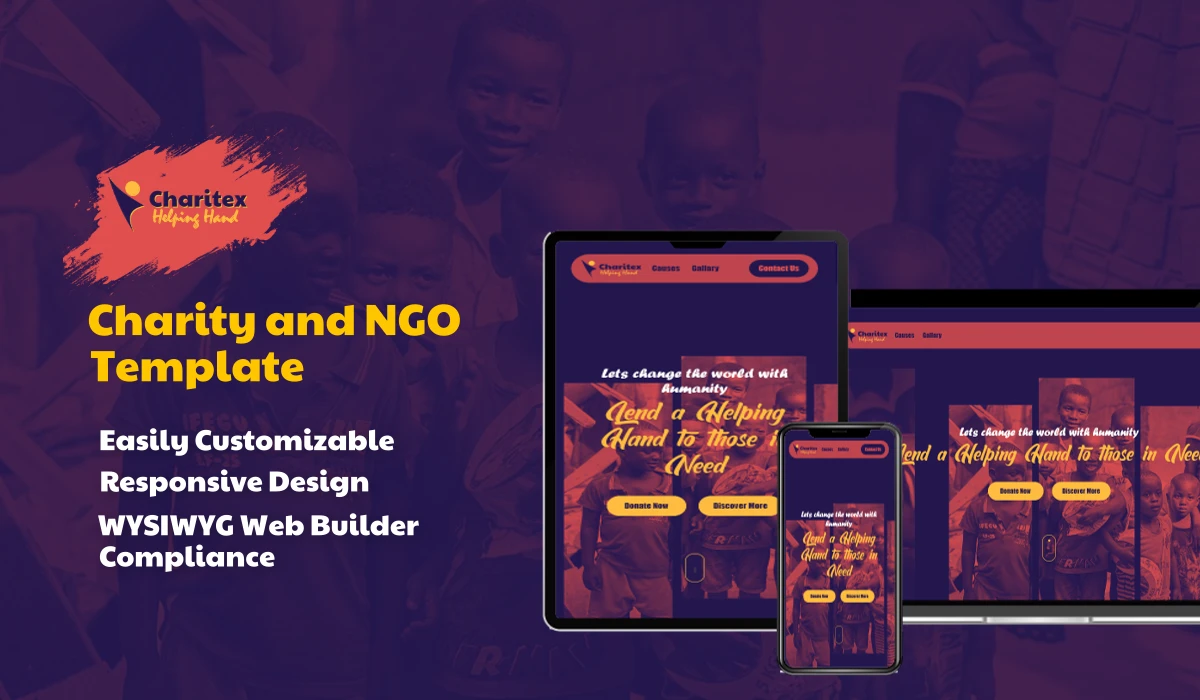







Recent Works
Building Trust & Delivering Excellence.
We've created some exceptional stuffs, it is our believe that every company deserves access to strategies that were once reserved for enterprises with massive budgets.
Explore more 🚀


In the dynamic world of online visibility, getting your website noticed is paramount. For users of WYSIWYG Web Builder software, understanding and implementing both Search Engine Optimization (SEO) and Generative Engine Optimization (GEO) can be the key to success. This post will delve into what each entails, their differences, and how to effectively integrate them within your WYSIWYG Web Builder powered website.
Before we dive into implementation, let's clarify the distinction between these two crucial optimization strategies.
Search Engine Optimization (SEO) is the traditional process of optimizing your website to rank higher in organic search results on search engines like Google, Bing, and Yahoo. It's about making your site appealing to both users and search engine crawlers. Key aspects of SEO include:
Keyword Research: Identifying the terms people use to find information related to your business.
On-Page SEO: Optimizing elements directly on your web pages, such as titles, meta descriptions, header tags, and content.
Off-Page SEO: Activities done outside your website to improve its ranking, like link building and social media promotion.
Technical SEO: Ensuring your website's technical foundation is sound for search engines, covering aspects like site speed, mobile-friendliness, and crawlability.
Generative Engine Optimization (GEO), on the other hand, is a newer, AI-centric approach. While SEO focuses on optimizing for existing human-generated content and search queries, GEO is about optimizing for the way Generative AI models interpret, process, and create content. Think of it as preparing your website to be understood and utilized by large language models (LLMs) and other AI systems that might be generating summaries, answers, or even entire articles based on online information. GEO aims to ensure your content is:
Clearly Structured: AI loves well-organized information.
Factually Accurate: Generative AI prioritizes reliable sources.
Contextually Rich: Providing comprehensive information helps AI understand the nuances.
Semantically Relevant: Ensuring the language used is precise and meaningful to an AI.
In essence, SEO helps humans find your website through search engines, while GEO helps AI models understand and potentially regenerate your content, leading to new forms of discoverability.
WYSIWYG Web Builder provides a surprisingly robust set of tools to help you with your SEO efforts. Here's how to leverage them:
1. Page Properties and Meta Tags: Every page in WYSIWYG Web Builder has "Page Properties." This is where you'll define your core SEO elements.
Page Title: This is one of the most critical on-page SEO factors. Make sure it's descriptive, includes your primary keyword, and is under 60 characters.
Meta Description: A brief summary of your page's content. While not a direct ranking factor, a compelling meta description can significantly improve click-through rates from search results. Keep it under 160 characters and include relevant keywords.
Keywords (Meta Keywords): While less impactful than they once were, you can still add a few relevant keywords here. Don't stuff them.
2. Heading Tags (H1, H2, H3, etc.): Properly structured content with heading tags not only improves readability for users but also signals to search engines the hierarchy and importance of your content.
Use one <h1> tag per page for your main topic.
Use <h2> for subheadings and <h3> for further subdivisions.
WYSIWYG Web Builder allows you to easily assign heading styles to text boxes
3. Image Optimization: Images are crucial for user engagement, but they also offer SEO opportunities.
Alt Text: Always add descriptive "Alt Text" to your images. This text is displayed if the image doesn't load and is read by screen readers for accessibility. Search engines also use it to understand the image's content.
File Names: Use descriptive, keyword-rich file names for your images (e.g., blue-widget-for-sale.jpg instead of IMG001.jpg).
Image Compression: Large image files slow down your website, which is bad for SEO. Use the built-in image optimization tools or external services to compress images without losing quality.
4. Internal and External Linking:
Internal Links: Link to other relevant pages within your own website. This helps search engines discover your content and improves user navigation.
External Links: Link out to authoritative, relevant external websites. This can add credibility to your content.
5. Responsive Design (Mobile-Friendliness): Google prioritizes mobile-first indexing. Ensure your WYSIWYG Web Builder site is responsive and looks great on all devices. The software offers tools to design for different screen sizes.
6. Site Speed: A fast-loading website is essential for both user experience and SEO.
Optimize images (as mentioned above).
Minimize the use of heavy scripts and unnecessary animations.
WYSIWYG Web Builder's generated code is generally efficient, but always test your site's speed using tools like Google PageSpeed Insights.
Since GEO is a newer concept, its implementation focuses more on content strategy and structure rather than specific technical settings within a builder. However, you can certainly prepare your WYSIWYG Web Builder site for generative AI.
1. Structured Content and Clear Headings: This overlaps with SEO, but for GEO, it's even more critical. AI models thrive on logically organized information.
Use <h1>, <h2>, and <h3> tags consistently.
Break down complex topics into smaller, digestible paragraphs.
Use bullet points and numbered lists to present information clearly.
2. Factual Accuracy and Authority: Generative AI aims to provide reliable information. Ensure your content is well-researched and factually correct.
Cite sources where appropriate.
Establish yourself as an expert in your niche.
3. Comprehensive and Contextually Rich Content: AI models are designed to understand context. Don't just present snippets; provide thorough explanations.
Answer common questions related to your topic fully.
Explain jargon and complex concepts clearly.
Imagine an AI trying to summarize your page – would it have all the necessary information?
4. Semantic Clarity and Keyword Intent: While SEO focuses on keywords, GEO emphasizes the meaning and intent behind those words.
• Use synonyms and related terms naturally.
• Avoid keyword stuffing. Focus on writing naturally for your audience, and the semantic relevance will follow.
• Ensure your content directly addresses the user's potential query or need.
5. Schema Markup (Structured Data): This is perhaps the most direct way to speak to AI models. Schema markup provides context to search engines and AI about the content on your page (e.g., this is a recipe, this is a product, this is an article).
WYSIWYG Web Builder have a built-in schema generator object, you can manually add schema JSON-LD code using the "HTML object" or "Script" object. This requires some basic coding knowledge, but many online schema generators can help you create the code snippets.
Focus on common schema types like Article, Product, Organization, Local Business, etc., that are relevant to your website.
Example of how to structure for GEO: Instead of just saying "Our product is great," provide detailed specifications, use cases, customer testimonials, and clear benefits, each in its own well-defined section. This makes it easier for an AI to extract specific pieces of information
Bridging the Gap: The Synergy of SEO and GEO
The beautiful thing is that many best practices for SEO also lay a solid foundation for GEO. A well-optimized, user-friendly website that is easy for search engines to crawl and understand will also be easier for generative AI models to process.
By diligently applying these SEO and GEO strategies within your WYSIWYG Web Builder software by Pablo, you'll be well on your way to creating a website that not only ranks high in traditional search results but is also future-proofed for the evolving landscape of AI-driven content generation and discovery.
GEO Deep Dive: The Power of the llms.txt File
While Structured Data (Schema Markup) tells an AI what your page is about, the llms.txt file is a separate, dedicated file that tells Large Language Models (LLMs) which pages are the most important on your entire site and how they should be summarized or cited. It is the core, proactive signal for Generative Engine Optimization (GEO).
llms.txt?Purpose: It is a simple text file, often using Markdown formatting, that you place in the root directory of your website.
Audience: It is not for traditional search engine crawlers (like Googlebot) but specifically for Generative AI systems (like Google Gemini, ChatGPT, Claude, etc.)
Function: It acts as a curated, machine-friendly roadmap, listing your most valuable content (key pages, product documentation, authoritative guides) with concise summaries. This helps AI models:
Focus: Avoid getting lost in navigation, ads, and cluttered HTML.
Cite Accurately: Use your preferred title and description when generating answers.
Save Resources: Process your core information quickly and efficiently.
Implementing
llms.txtwith WYSIWYG Web Builder
Since WYSIWYG Web Builder typically generates the HTML files, The implementation requires using the file publisher object or an external steps after you publish your site.
llms.txt ContentYou can either write this file manually or use one of the many free online llms.txt generator tools.
Save: Save the content above as a plain text file named exactly: llms.txt. Ensure it uses UTF-8 encoding.
Publish Site: Use WYSIWYG Web Builder to publish your entire website to your hosting provider (via FTP or file export).
Upload to Root: Log into your hosting account's file manager or use an FTP client (like FileZilla). Upload the llms.txt file directly into the root directory (the main folder that contains your index.html file and your robots.txt file).
a. Test: Open your web browser and navigate directly to the llms.txt file
b. Confirm: You must be able to view the file content as plain text. If you see a "404 Not Found" error, the file is not in the correct location.
By ensuring your llms.txt file is properly hosted alongside the structured, SEO-friendly HTML generated by WYSIWYG Web Builder, you complete the loop for Generative Engine Optimization, giving AI the clearest possible instructions on how to represent your valuable content.










Copyright © 2020 - 2026 Wixily All Rights reserved

comments
Comments For this Post: 0
Send Your Comments!